Tutorials
Notebook OS video tutorials
One short video per workflow, from installing the extension and opening the side panel to Skills, Studio Recipes, research search and the Library.
Getting Started
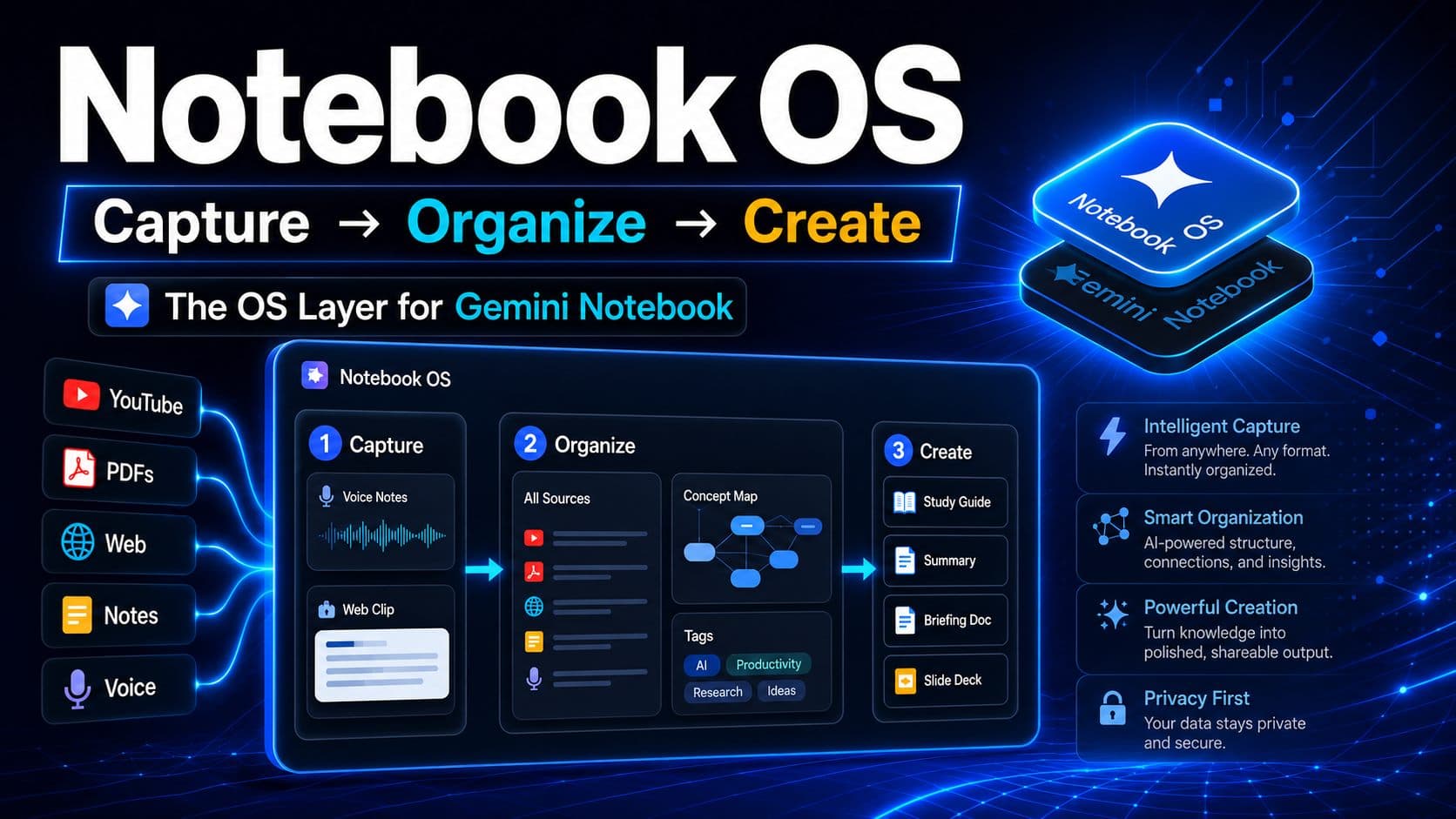
Overview
Walkthrough: all of Notebook OS
A quick tour of every feature in one sitting.
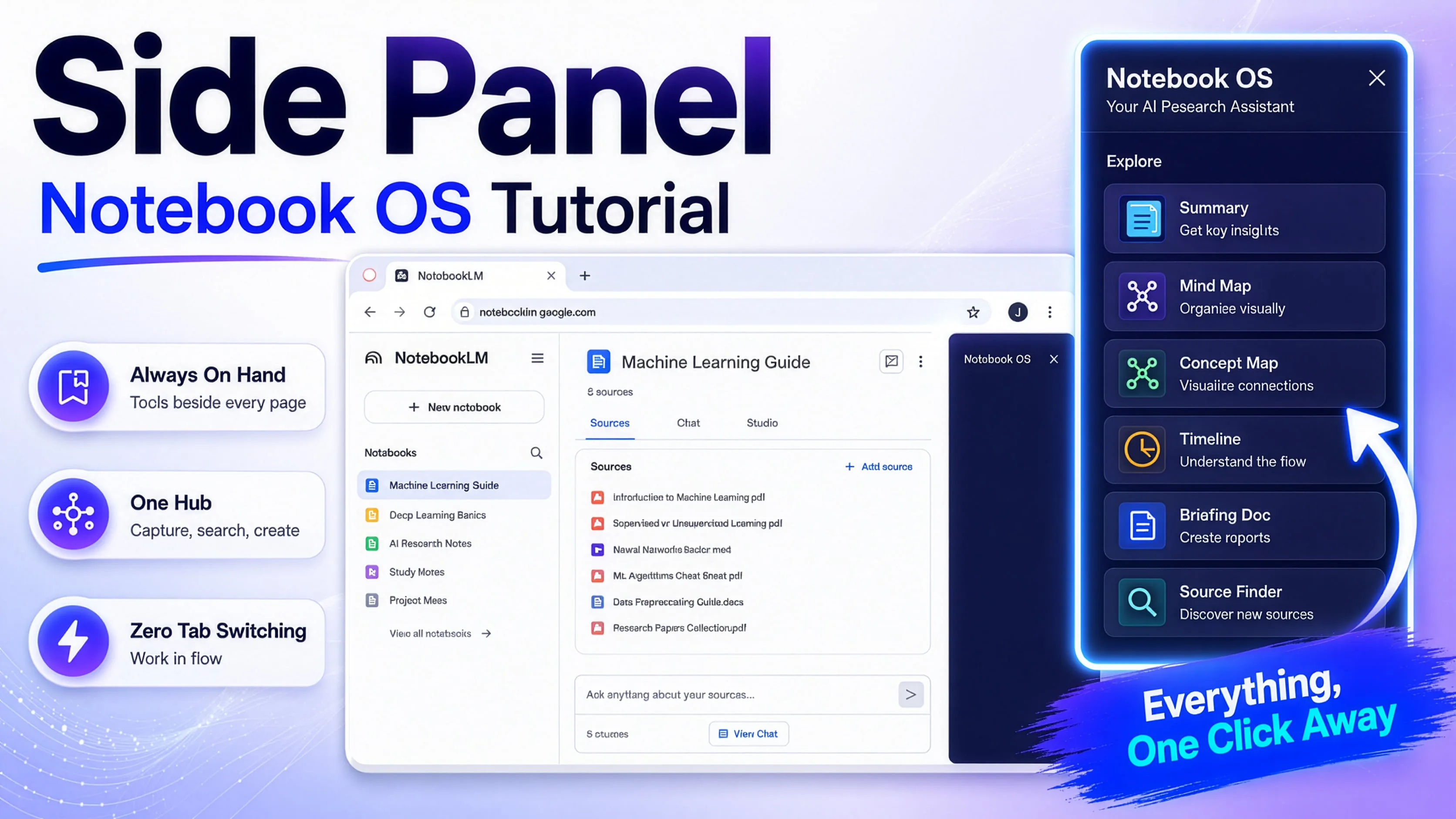
Setup
Side Panel tutorial
Set up and navigate the panel that follows you everywhere.
Skills
Studio Recipes
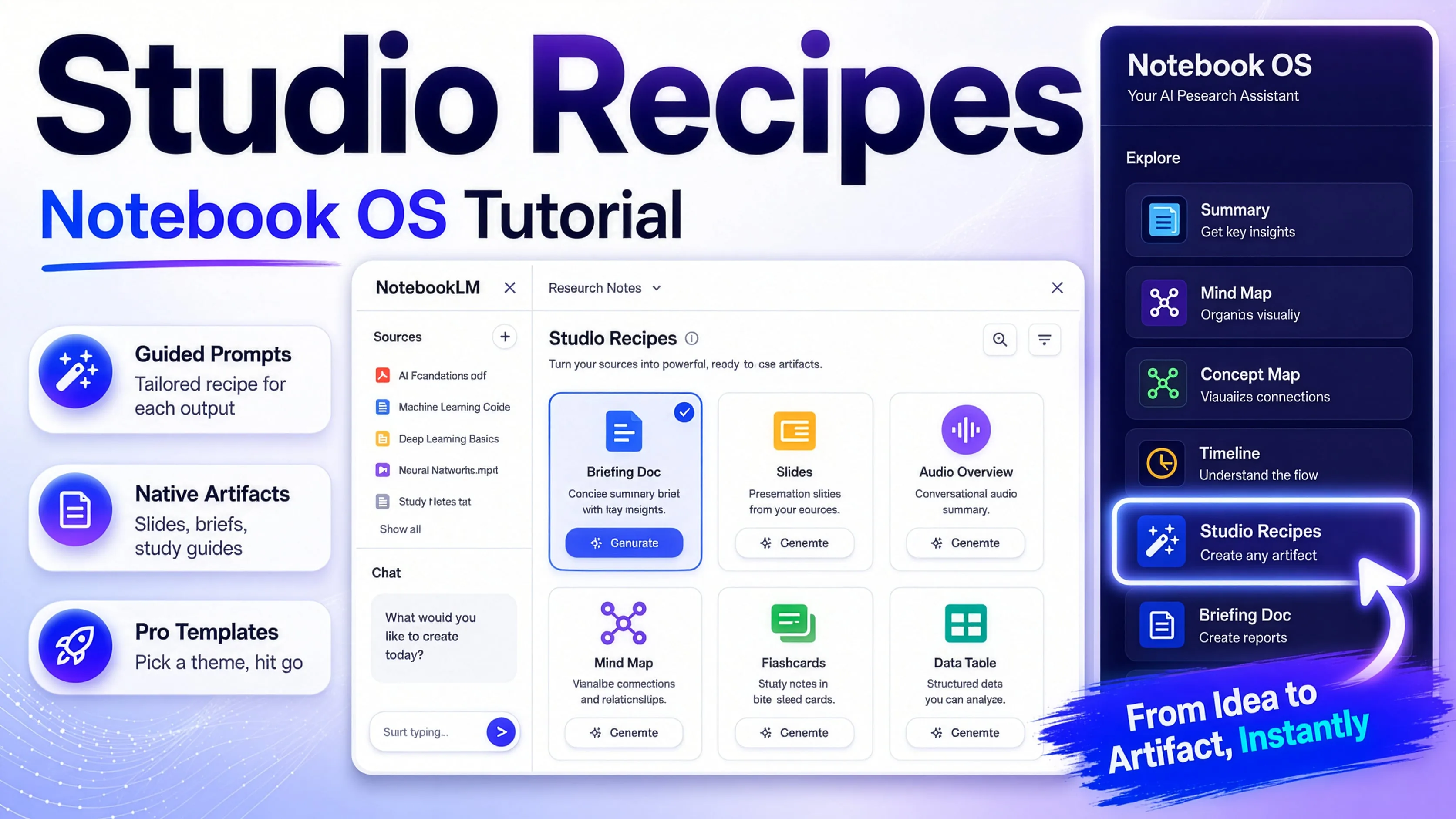
Studio Recipes
Studio Recipes for creating artifacts
Turn a chat into a report, deck, or audio in one click.
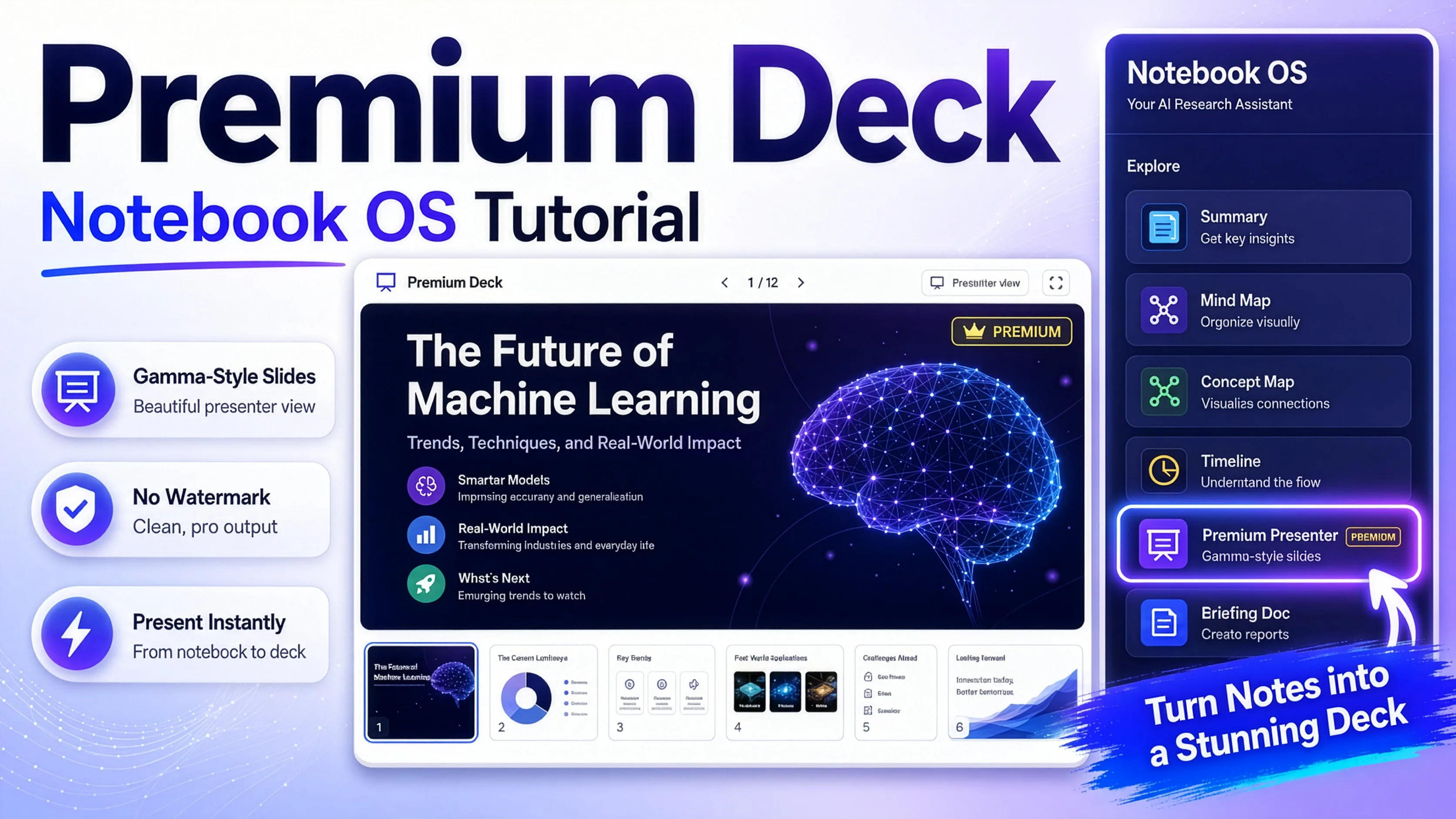
Premium Deck View
Premium Deck View tutorial
Present your slides full-screen, watermark-free.
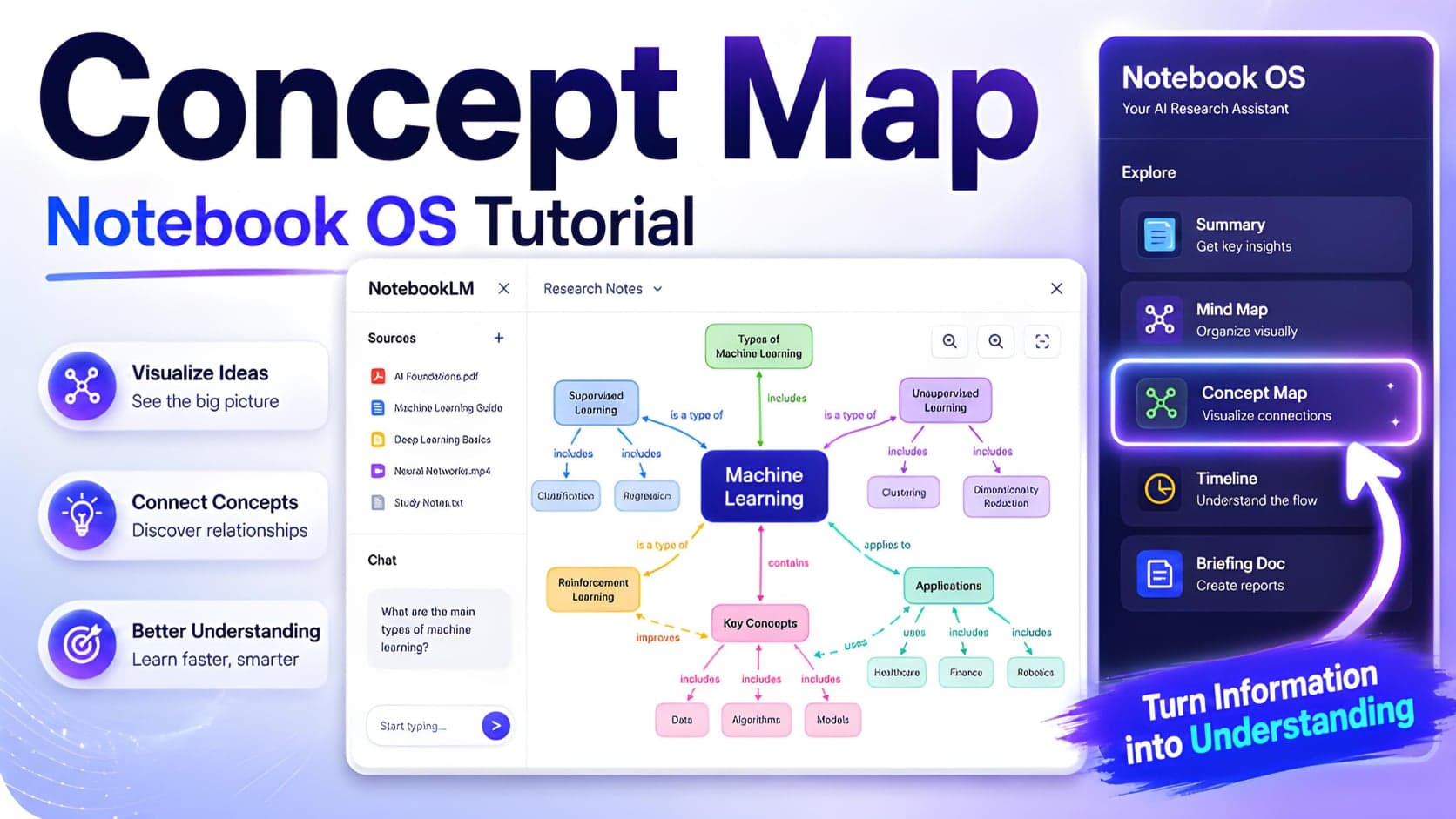
Concept Map
Concept Map tutorial
Generate a visual map of your notebook’s ideas.
Premium Deck View
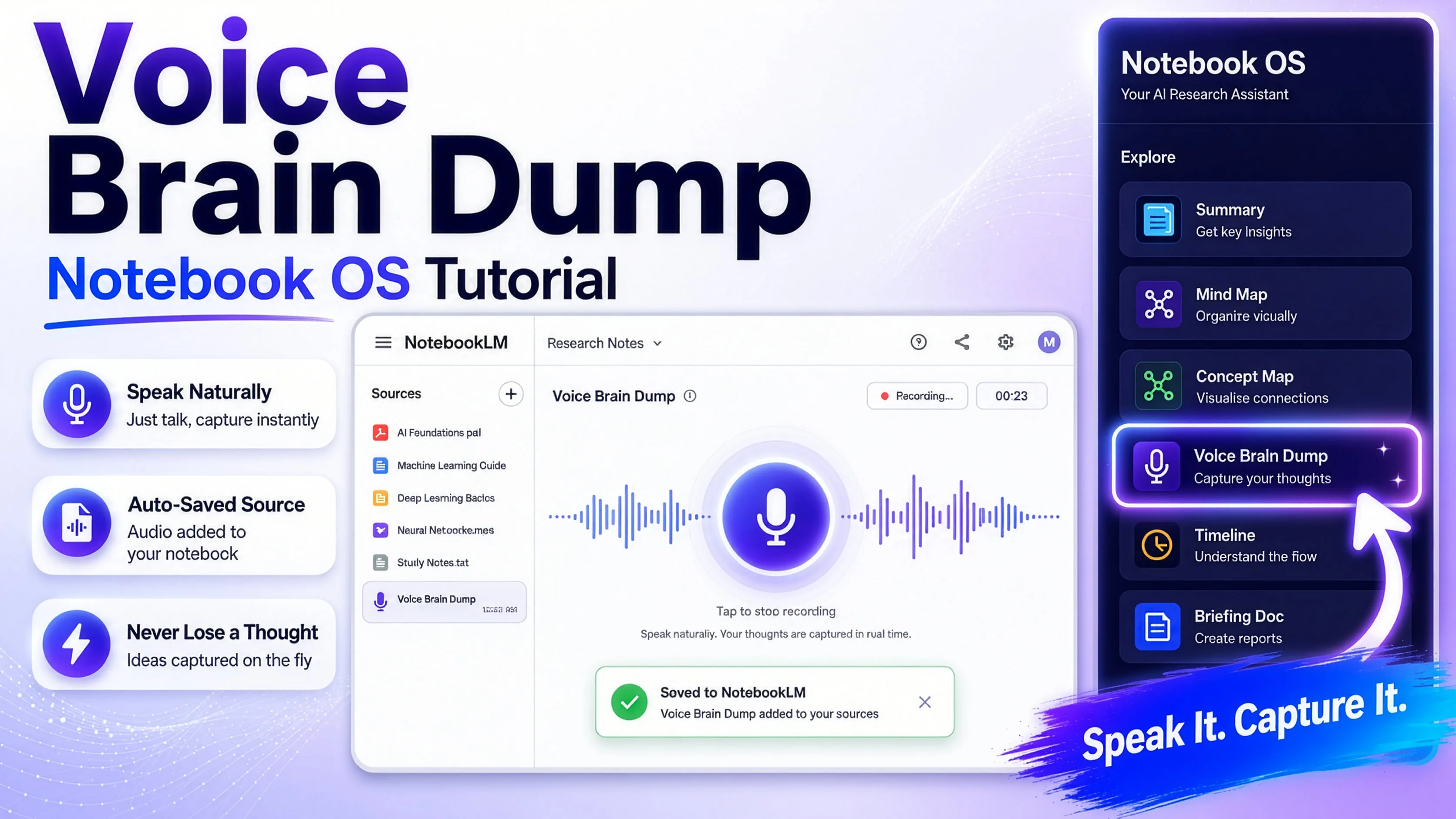
Voice Brain Dump
Voice Brain Dump tutorial
Record a thought and save it straight to a notebook.
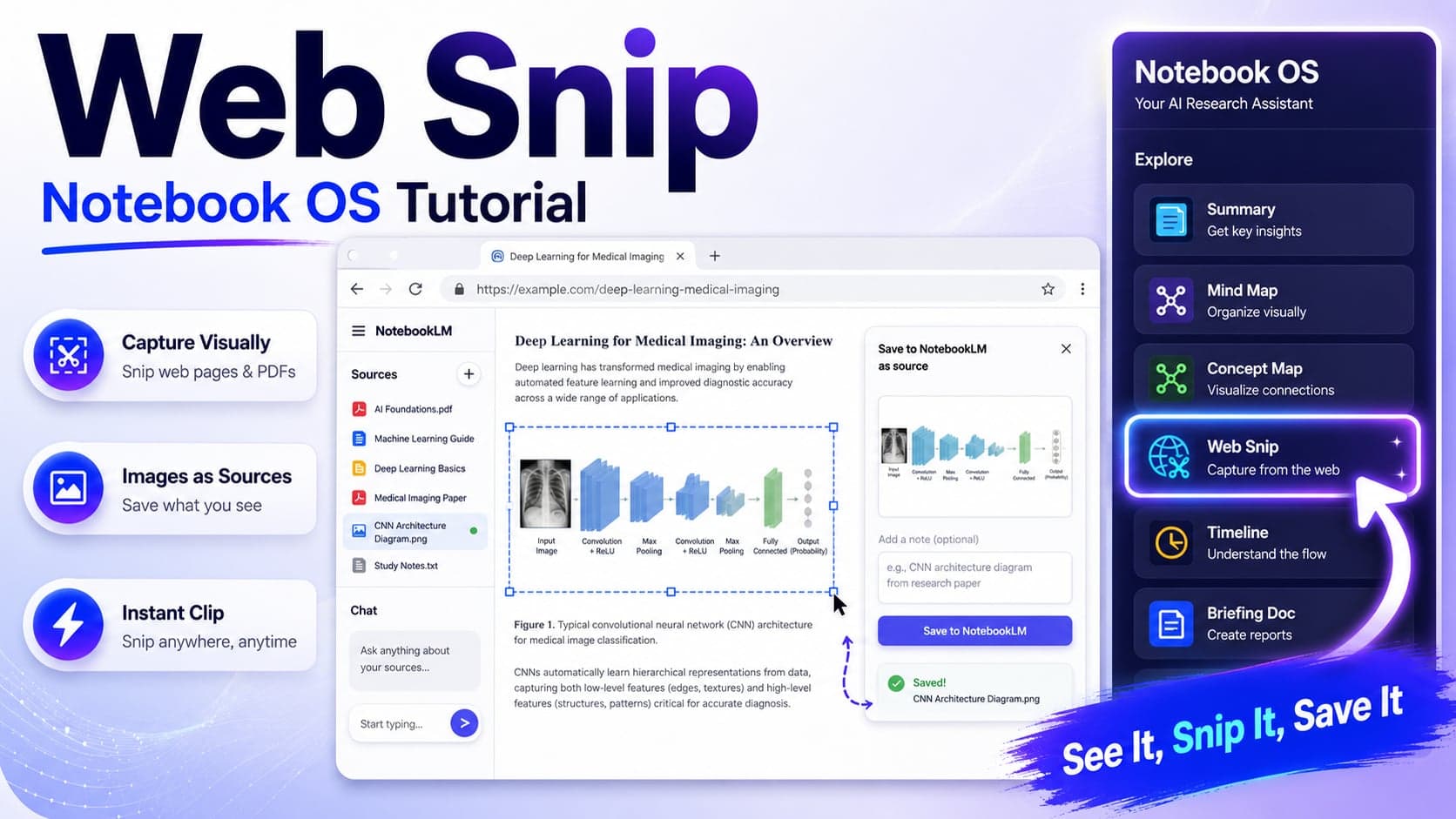
Web Snip
Web Snip tutorial
Capture any chart or figure from the web as a source.
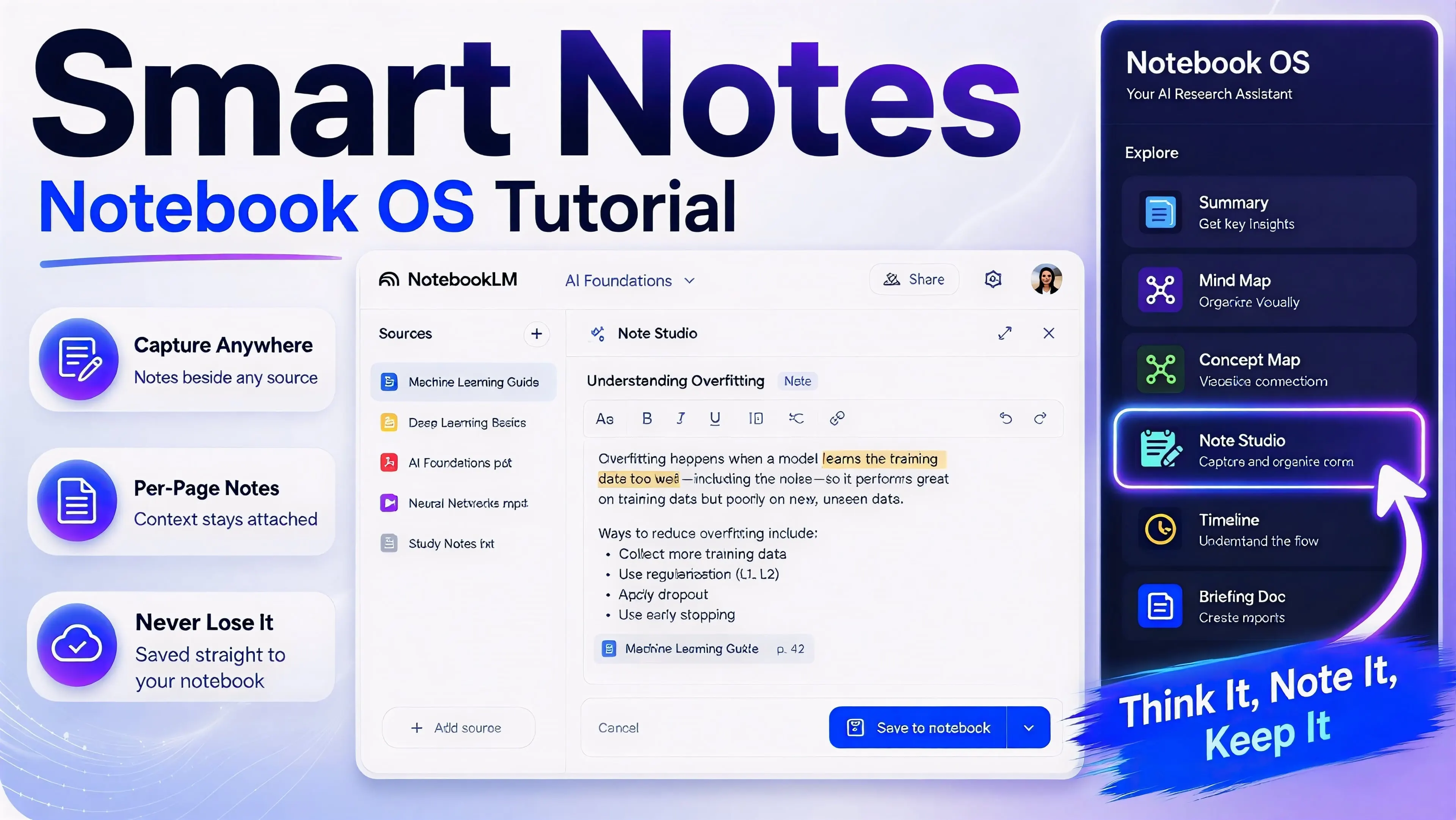
Note Studio
Note-taking in Notebook OS
Take rich-text notes and save them to Gemini Notebook.
Research & search
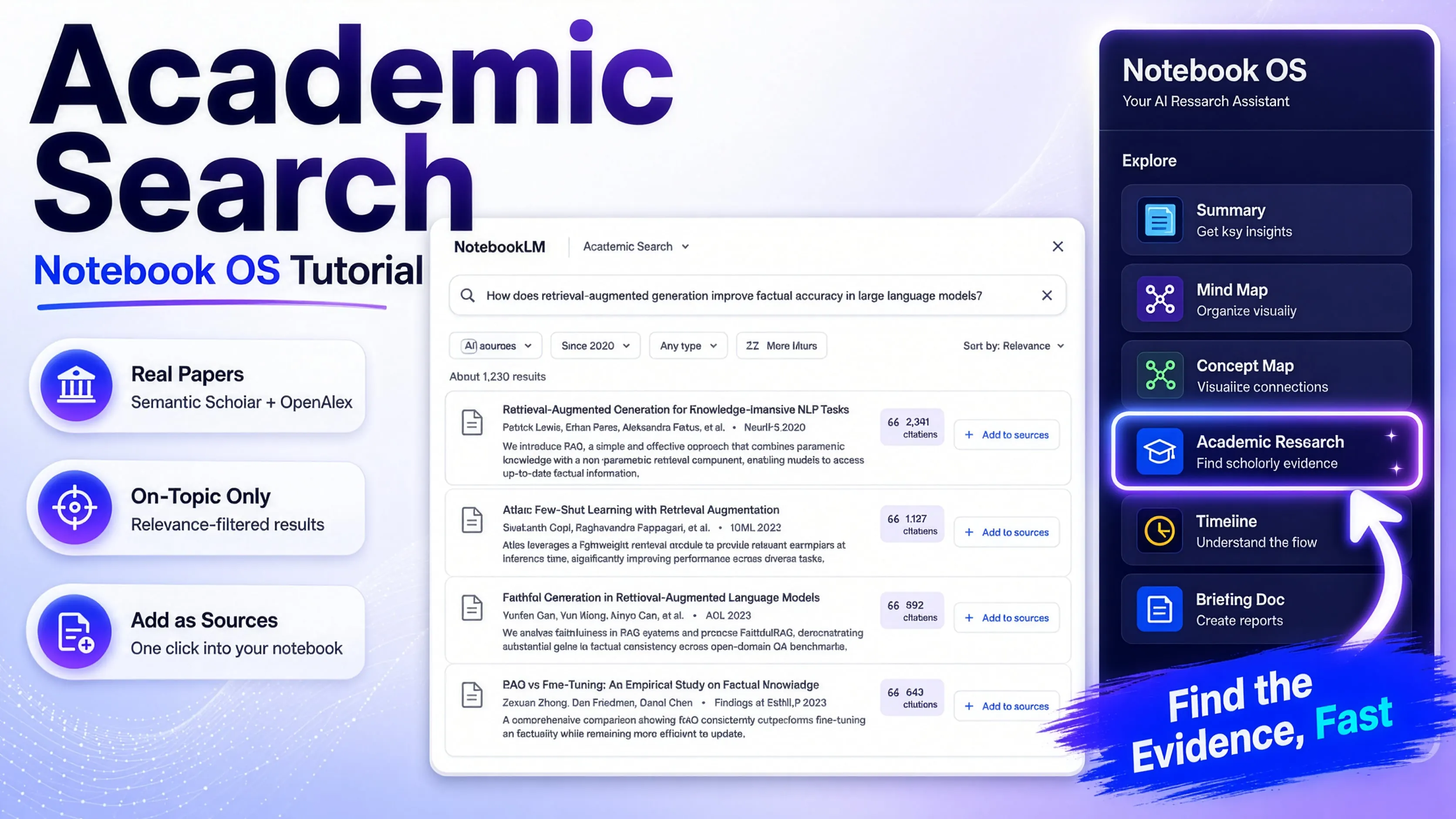
Academic Search
Academic Search tutorial
Find peer-reviewed papers without leaving the panel.
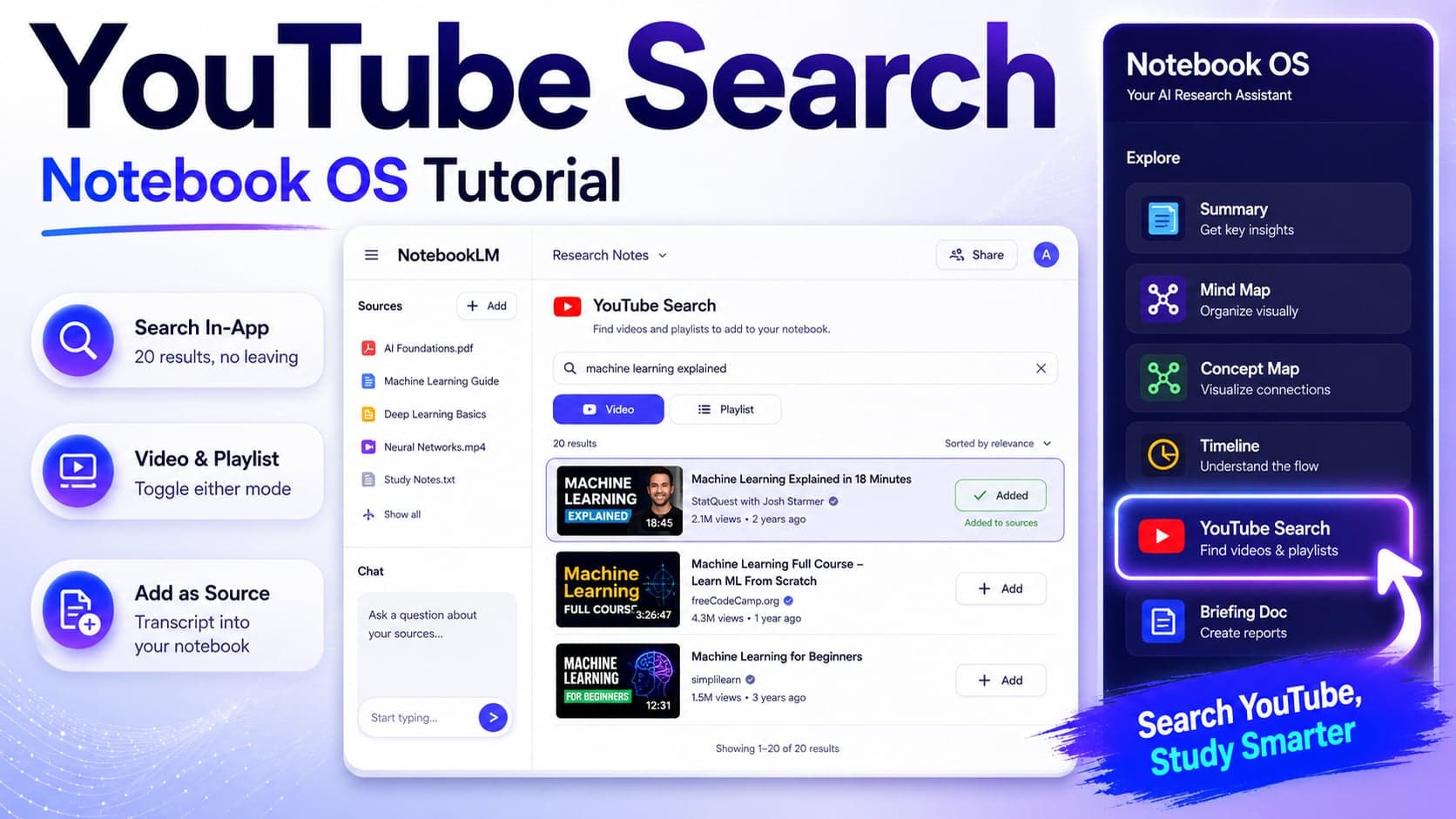
YouTube Search
YouTube Search tutorial
Search videos and add their transcripts as sources.
Organize & reuse
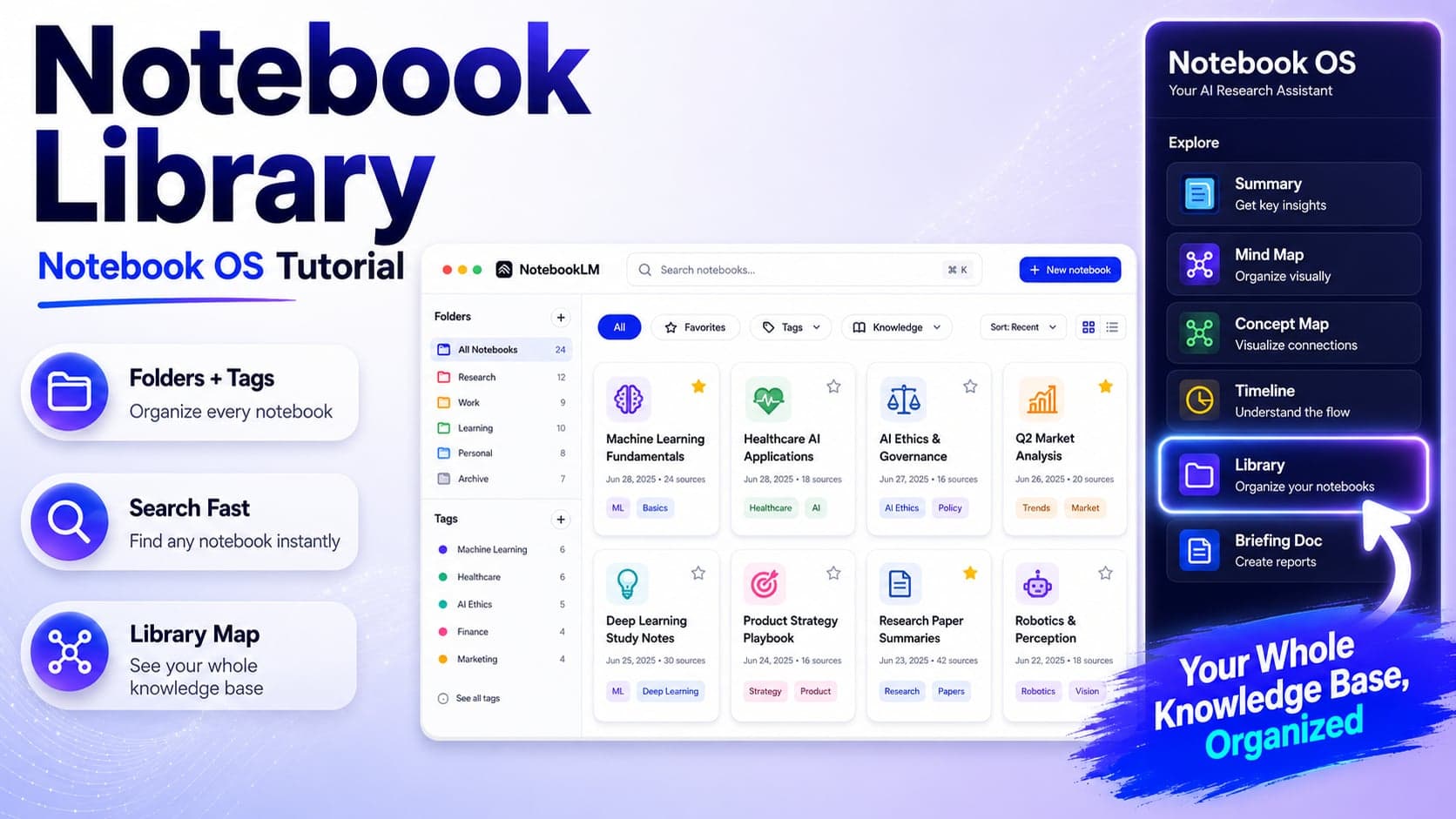
Library
Notebook Library tutorial
Organize notebooks with folders, tags, and favorites.
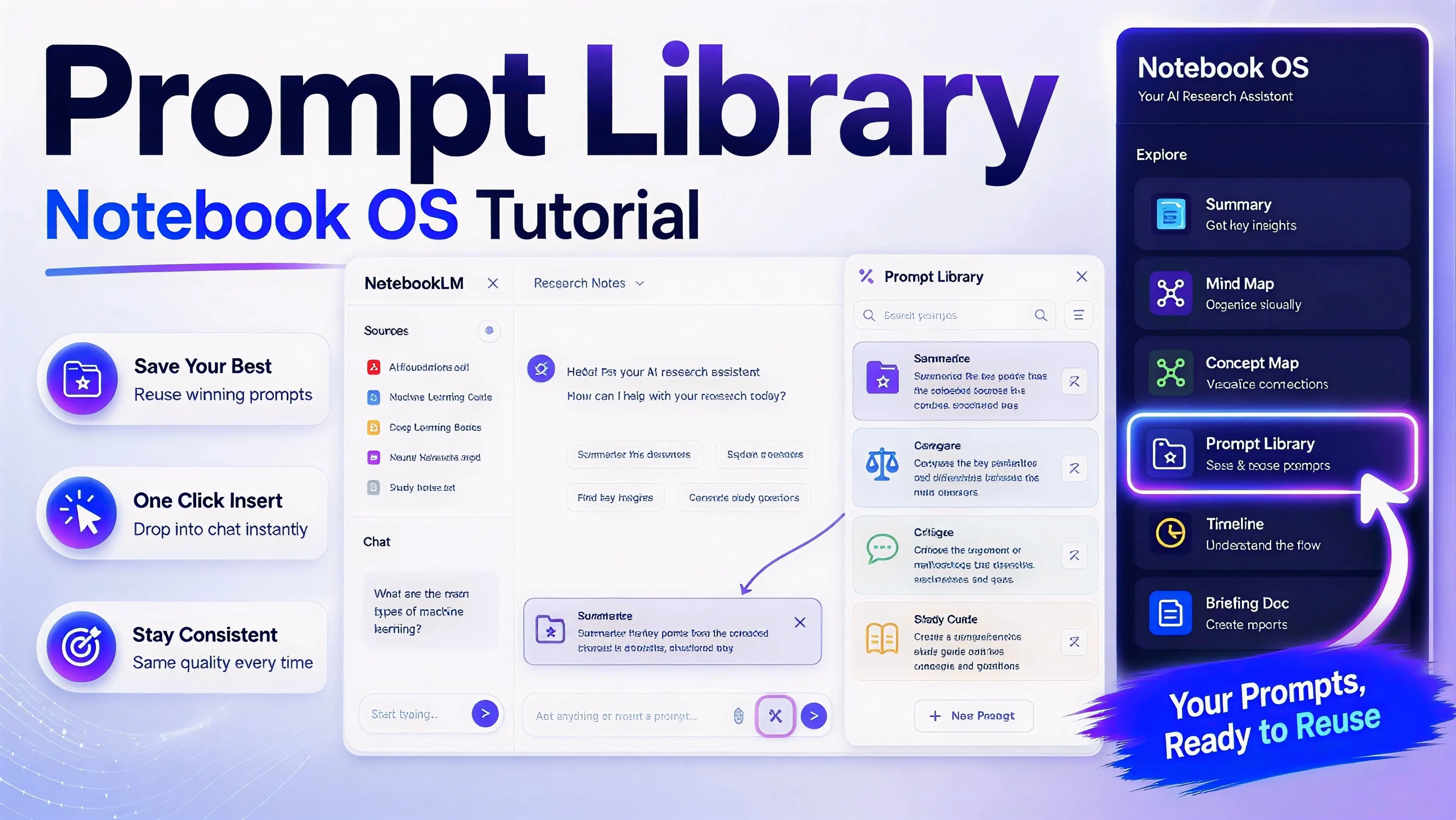
Prompt Library
Prompt Library tutorial
Reuse 23 built-in prompts — and your own — in one click.
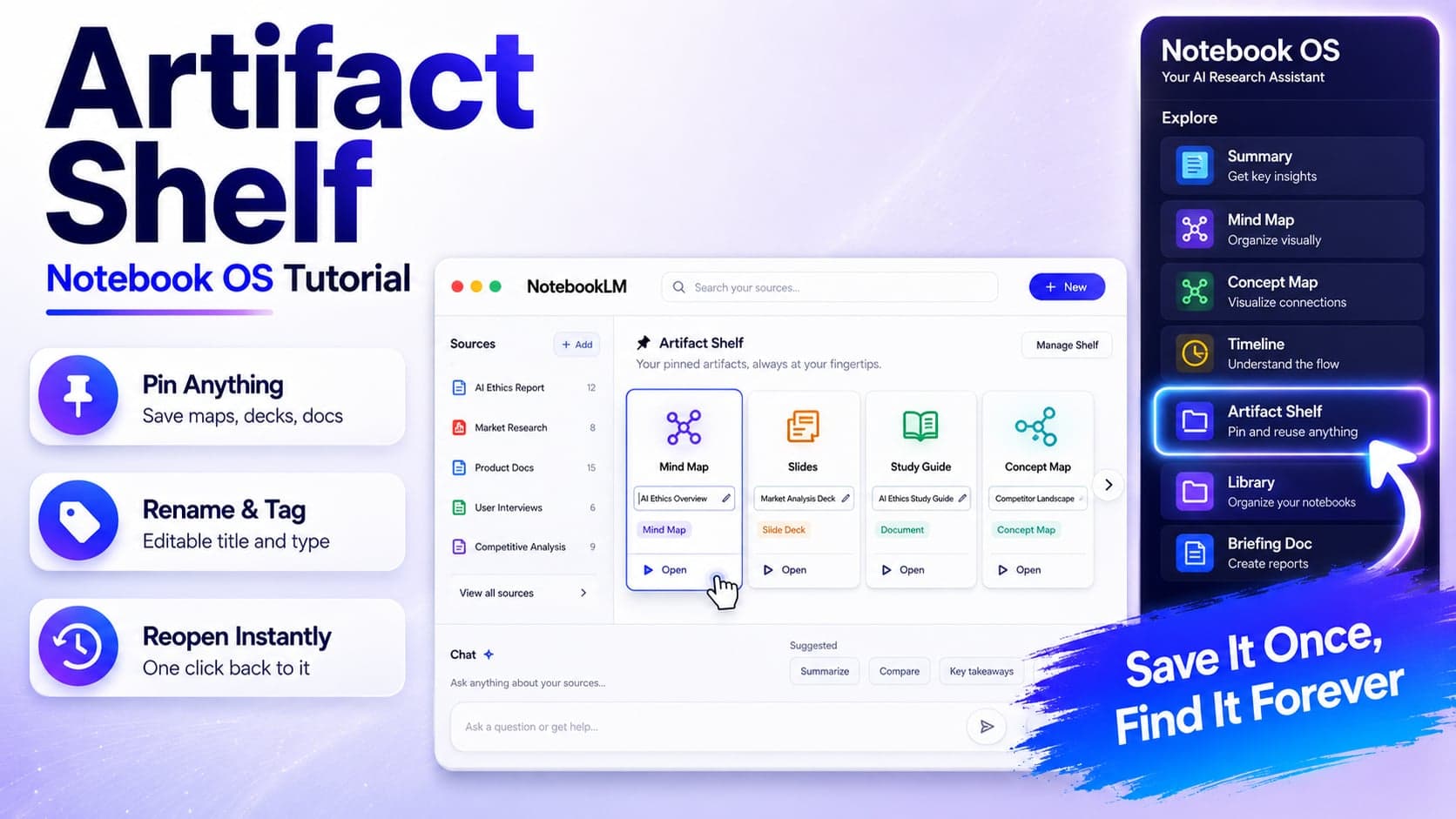
Artifact Shelf
Artifact Shelf tutorial
Pin and reopen any artifact across your notebooks.
Want a tutorial for a specific feature?
Request it and we'll prioritize the next video.
Request a tutorial →